SHARED MEMORY
Stop repeating yourself. Approved context stays available across agents.


WHY LUTHN
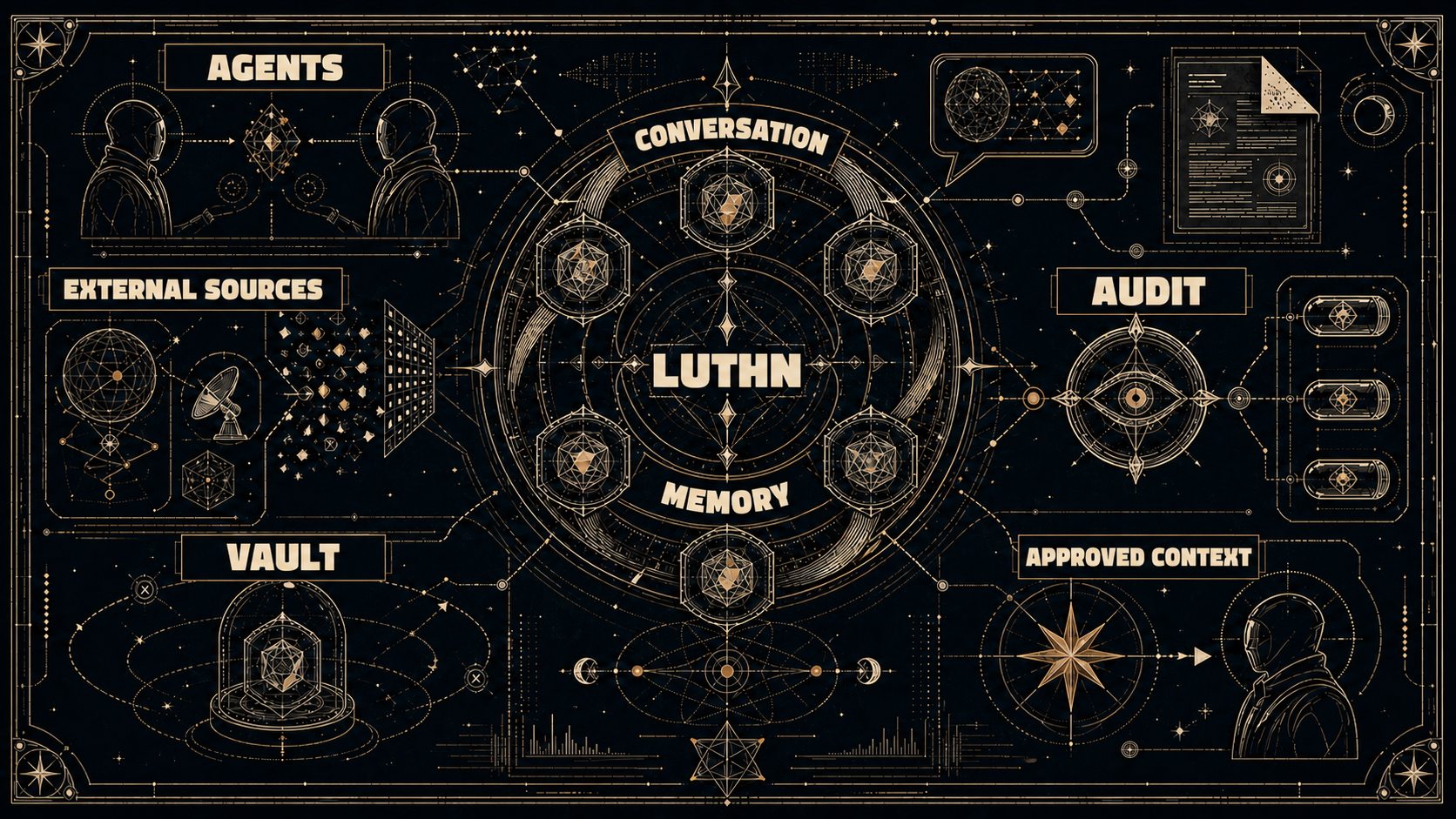
Luthn keeps approved context available across agents, while audit and an encrypted vault protect what should stay private.
Stop repeating yourself. Approved context stays available across agents.
Context is scattered. Luthn gathers useful signals from messengers, documents, and mail.
Sharing needs a check. Audit decides what may cross into shared memory.
Sensitive data stays out of agent memory. It is encrypted and stored separately.
[HOW TO]
Install. Check. Connect.
INSTALL
curl -fsSL https://raw.githubusercontent.com/JakobSung/Luthn/main/scripts/install.sh | bash -s -- --channel stablemacOS / Linux · Docker required
CHECK
luthn statusOpen the console at http://127.0.0.1:8080
CONNECT
luthn connect codex
luthn connection status codex

luthn connect claude
luthn connection status claude
Run after Luthn is ready. Agent connection is a separate step.
$installer = Join-Path ([IO.Path]::GetTempPath()) "luthn-install.ps1"
irm https://raw.githubusercontent.com/JakobSung/Luthn/main/scripts/install.ps1 -OutFile $installer
pwsh -NoProfile -File $installer -Channel stable
Remove-Item -LiteralPath $installer
Requires PowerShell 7.4+ and Docker Desktop in Linux container mode.